
LIMITED OFFER

Experience Elite 4K Streaming — Claim Your 24-Hour Free Trial with Instant Setup!

Get Free Trial
IBO PLAYER PRO GUIDE

Install IBO Player Pro

Install IBO Player Pro, find your MAC address & Device Key, and activate IBO Player with your StreamMax playlist in four simple steps.

IBO Player Pro Cover Image for Smart TV and Firestick Setup Guide
Step-by-Step Setup

Set Up IBO Player Pro

Follow each step in order to install IBO Player Pro and activate IBO Player with your StreamMax playlist.

Install IBO Player Pro App from App Store on Firestick and Smart TV
1

Install IBO Player Pro on Smart TV or Firestick

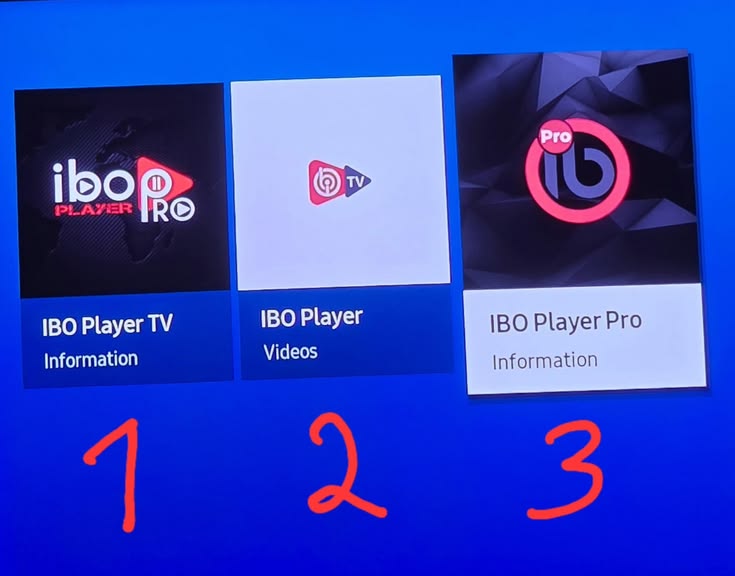
Open the app store on your Samsung, LG, Android TV, or Firestick device. Search for IBO Player Pro, select the official app, and choose Install or Get to install IBO Player Pro. Launch the app when installation is complete.
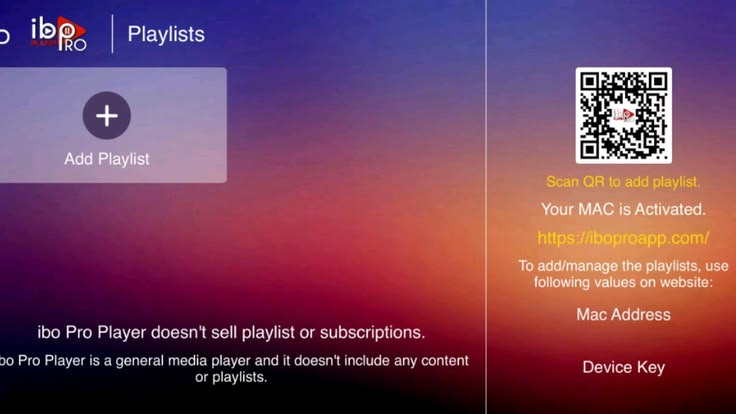
IBO Player Pro MAC Address and Device Key Screen on Smart TV
2

Locate Your MAC Address & Device Key

Open IBO Player Pro and wait for the home screen. Note the MAC address & Device Key shown on the screen. Keep both details available because they identify your device when you activate IBO Player.

Activate IBO Player by Entering MAC Address and Device Key on Activation Website
3

Activate IBO Player with Your Playlist

Open the IBO Player activation site, enter your MAC address & Device Key, then add the M3U playlist or Xtream Codes details provided by StreamMax. Save the activation and restart IBO Player Pro to load your channels and guide.

Restart IBO Player Pro to Start Streaming Live TV and VOD
4

Restart the App and Start Watching

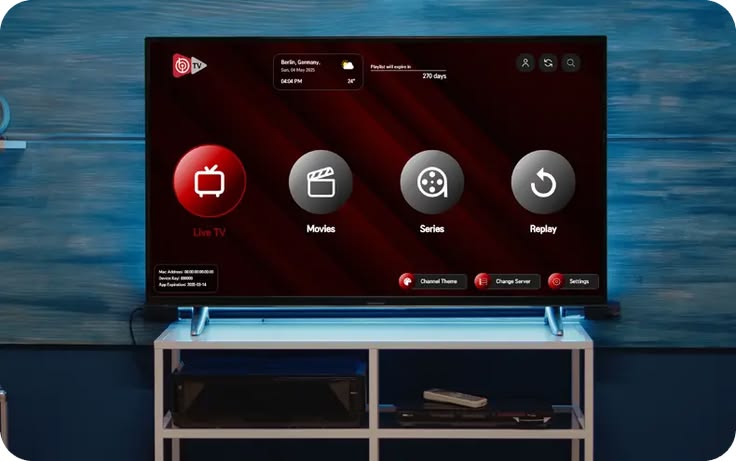
Restart IBO Player Pro after you activate IBO Player with your playlist details. Within seconds your live channels, movies, and series will appear, and you are ready to stream StreamMax IPTV in 4K.

IBO Player Pro Start Watching Banner for StreamMax IPTV Subscription

Now that you know how to install IBO Player Pro and activate IBO Player, choose a plan to get your service details and start streaming.

View Pricing Plans
Live Support (Online)