
C
Download Guide Cover
Use this quick setup guide to prepare your device, install the app, and start watching your IPTV service in minutes.
Experience Elite 4K Streaming — Claim Your 24-Hour Free Trial with Instant Setup!
Get Free TrialFollow this nine-step setup guide to install Downloader, load the app, and start streaming on your Firestick or Android device.
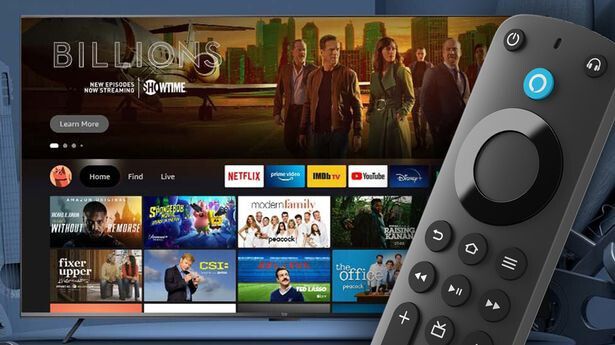
Complete each step in order to install Downloader, load the APK, and launch your IPTV application.
Use this quick setup guide to prepare your device, install the app, and start watching your IPTV service in minutes.
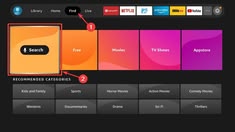
Open the app store on your Firestick or Android device and search for Downloader. Tap Install and wait for the app to finish downloading.
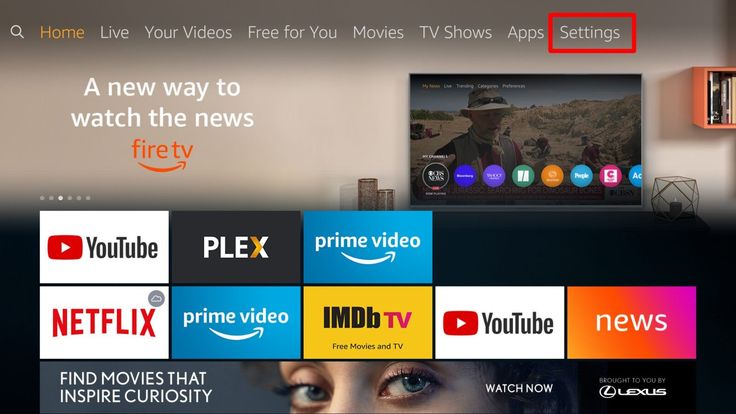
From the home screen, go to Settings and then open My Fire TV or Device & Software, depending on your model.
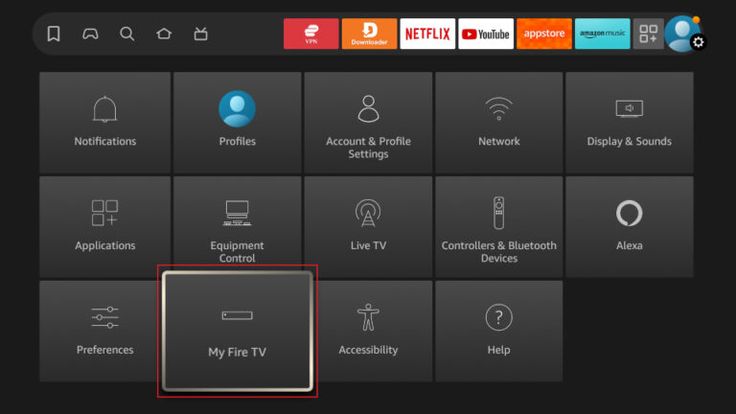
Scroll down and select Developer Options so you can allow app installation from outside the official store.
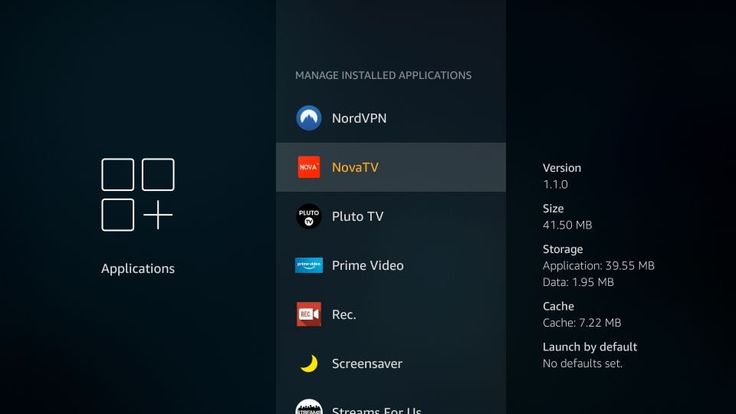
Find Install Unknown Apps or Apps from Unknown Sources and enable it for Downloader before you continue.
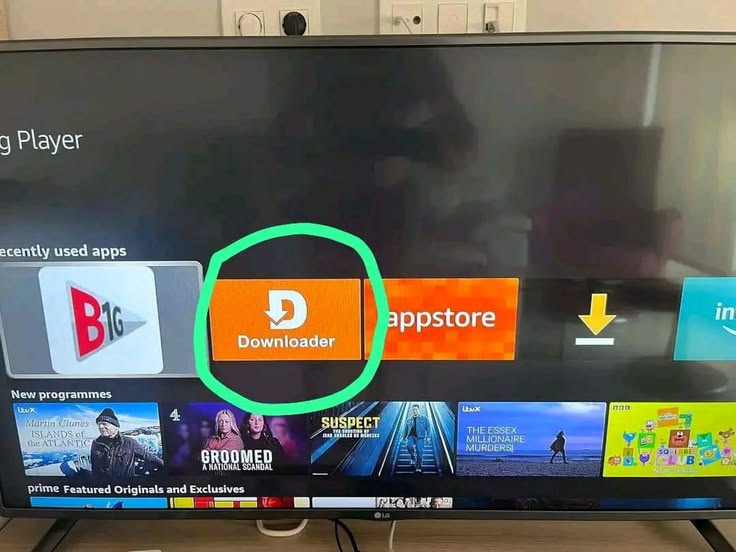
Open the Downloader app and click in the URL field to begin entering the installation link for your IPTV app.
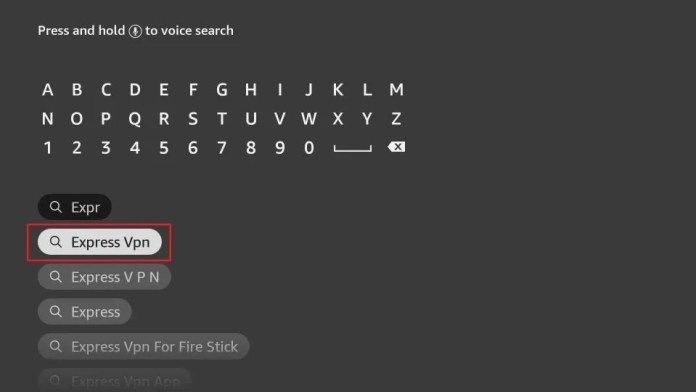
Type the exact URL or code provided by your IPTV provider and select Go to begin the APK download.
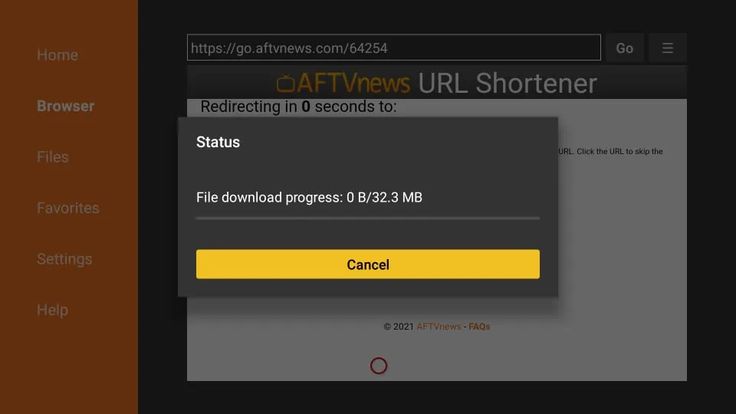
Wait for the file to finish downloading. Once complete, press the download item to continue with installation.
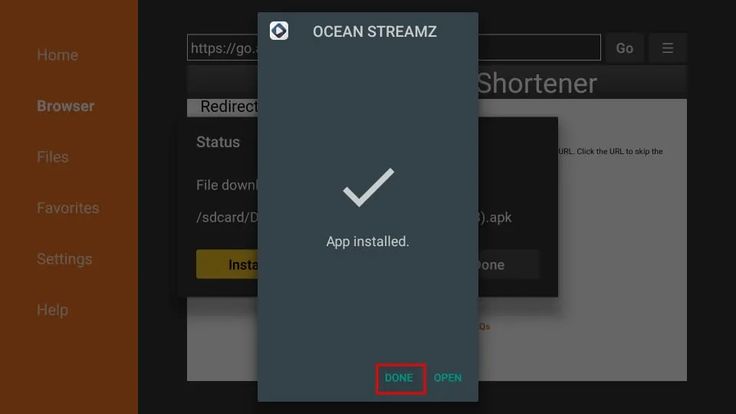
Tap Install when the system prompt appears, then allow the app to finish setup on your device.

Open the IPTV app, enter your username and password, and enjoy your channels, VOD library, and live sports.
Ready to start streaming? Choose a plan and get your service details.
View Pricing Plans