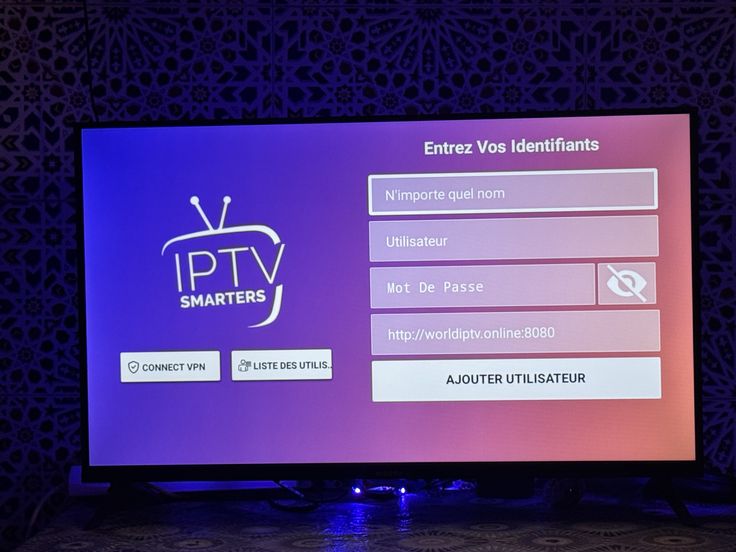
IPTV Smarters Pro
Perfect for Firestick, Android, and Smart TV setups with Xtream Codes or M3U credentials.
VIEW GUIDEExperience Elite 4K Streaming — Claim Your 24-Hour Free Trial with Instant Setup!
Get Free TrialSelect your device or preferred application to view the step-by-step setup guide.
Follow the steps tailored to your device and app. Everything works with Firestick, Android TV, Smart TVs, and mobile devices. Browse the channel and VOD catalog after setup.
Perfect for Firestick, Android, and Smart TV setups with Xtream Codes or M3U credentials.
VIEW GUIDE
Built for Samsung, LG, Firestick, and Android devices with a smooth EPG and full channel navigation.
VIEW GUIDE
Use the steps below to connect your device, input your login details, and begin streaming in minutes.
Quick answers for app compatibility, Firestick setup, login details, and technical help.
StreamMax works with IPTV Smarters Pro, IBO Player Pro, TiviMate, XCIPTV, GSE Smart IPTV, and other players supporting Xtream Codes or M3U playlists.
Yes. Install Downloader on Firestick, then follow the StreamMax app setup steps for IPTV Smarters Pro, IBO Player, or another supported player.
You need the StreamMax server URL, username, password, or M3U playlist link provided after activation.
Contact StreamMax support through WhatsApp, Telegram, or the support ticket form for device-specific setup help.