1
Install IPTV Smarters Pro
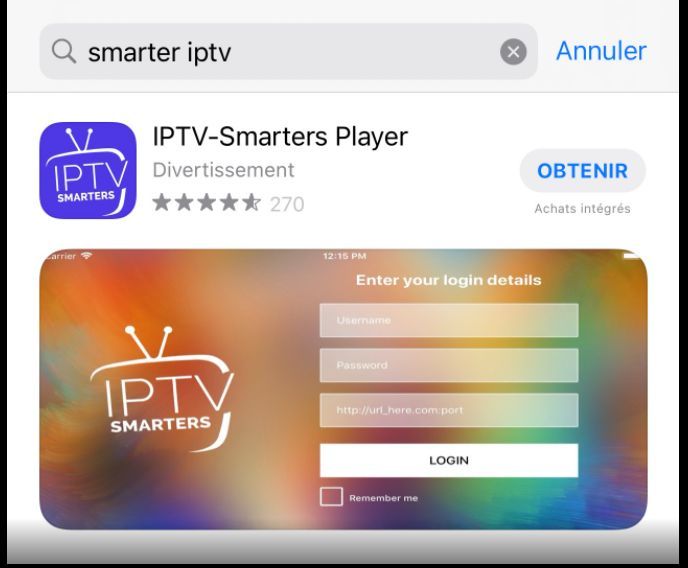
Open your device app store and search for IPTV Smarters Pro. Select the official app, choose Install or Get, and launch it when the installation is complete.
Experience Elite 4K Streaming — Claim Your 24-Hour Free Trial with Instant Setup!
Get Free TrialInstall the app, enter your service credentials, and load your channels in four simple steps.

Complete each step in order to install the app and connect your StreamMax service.
Open your device app store and search for IPTV Smarters Pro. Select the official app, choose Install or Get, and launch it when the installation is complete.
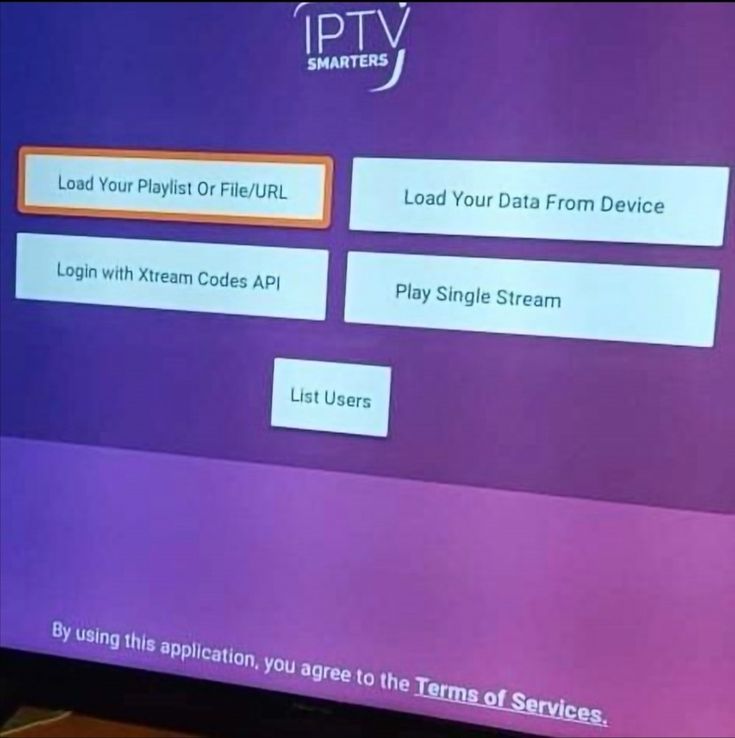
Open the app and select Login with Xtream Codes API or the M3U playlist option. Enter the server URL, username, and password provided by StreamMax, then save the profile.
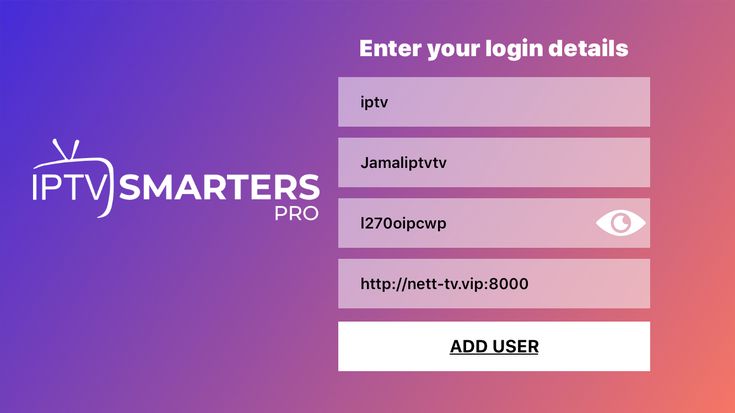
Wait while IPTV Smarters Pro syncs your live channels, movies, series, and electronic program guide. Once loading finishes, select Live TV or another category to start watching.
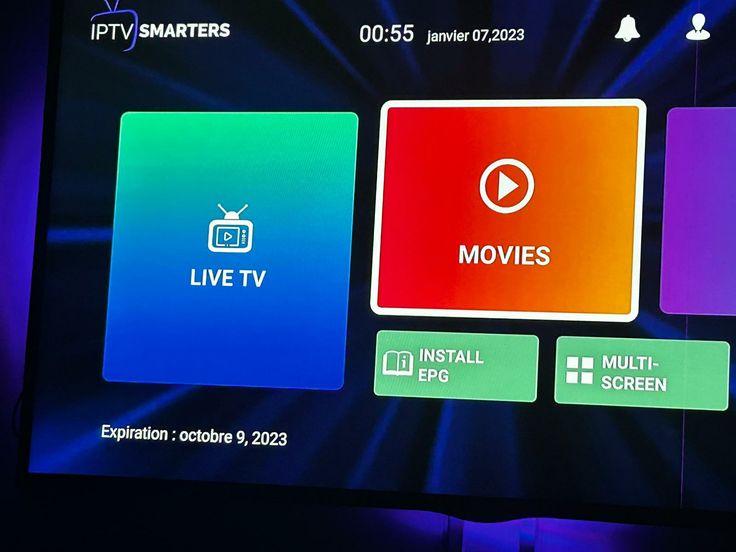
Once your channels are loaded, open Live TV, Movies, or Series to start streaming StreamMax IPTV in up to 4K quality on any device with IPTV Smarters Pro installed.